
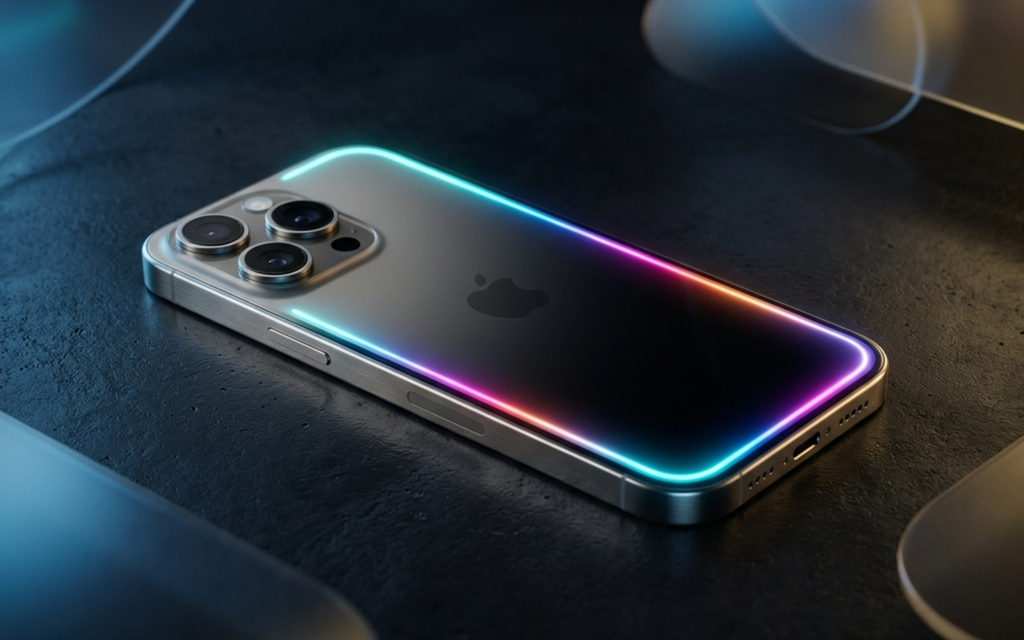
Apple Intelligence Finally Arrives in China – Sort of. After 21 months since the initial announcement at WWDC 2024, Chinese users saw a glimpse of Apple’s AI future. For a few brief hours on March 30, 2026, the iOS 26.4 developer beta appeared to enable Apple Intelligence for mainland users. It was a flash in the pan. Apple quickly pulled the update, later acknowledging a software bug that mistakenly bypassed region locks, allowing Chinese devices to briefly download the international Apple Intelligence model.
The brief window gave hands-on testers – including the team at ifanr.com – a first look at the localized version. Their verdict, shared on March 31, 2026: “The experience is very Apple. The effectiveness is mediocre.”
If you expected a system that could trade blows with the best of Google Gemini or China’s local giants like Doubao, you will be disappointed. Apple Intelligence functions more like a refined set of productivity tools than a transformative intelligence upgrade.
What Is Apple Intelligence? A Plain-English Breakdown
Apple Intelligence is not a single app. It is a collection of AI features baked into iOS 26, iPadOS 26, and macOS Sequoia. The system focuses on three pillars: writing enhancement, image tools, and a redesigned Siri.
Apple’s key architectural choice is on-device processing. Most tasks run locally using Private Cloud Compute (PCC), meaning your data stays off third-party servers. Unlike Google Gemini or Baidu’s Ernie Bot, Apple pushes calculation back to your chip rather than to a data center.
For China users, this privacy-first approach is the main selling proposition. Local competitors rely on massive cloud-based models that process your data remotely. Apple keeps the heavy lifting local, which creates faster response times for simple tasks but limits overall capability. It is a deliberate trade-off.
One significant absence in the China build: ChatGPT integration is completely missing. In global markets, Siri can route complex queries to OpenAI’s servers. In the Chinese version, that entry point does not exist.
Device Requirements – Who Can Actually Use Apple Intelligence?
Hardware requirements are strict, and not negotiable.
Supported iPhone models:
– iPhone 15 Pro / Pro Max (A17 Pro chip required)
– iPhone 16, 16 Plus, 16 Pro, 16 Pro Max
– iPhone 17 series (including iPhone 17e)
Standard iPhone 15 is excluded due to chip and RAM limitations. If you are curious how the latest accessible iPhone handles these local models, the iPhone 17e review covers the hardware performance in detail.
iPad: Any model with an A17 Pro chip or M-series silicon (M1 and newer).
Mac: Any Mac with an M1 chip or newer. On the high end, the 128GB unified memory in the M5 Max configuration enables significantly larger local AI models – worth reading our M5 Max MacBook Pro local AI analysis for a detailed breakdown.
Critical for China users: iPhones originally sold in mainland China carry model numbers ending in “CH/A.” These devices are hardware region-locked at firmware level. Changing your device’s region or language settings to “United States” does not unlock Apple Intelligence. The restriction follows the device regardless of where it travels. Per Apple’s official support documentation, this is an intentional hardware-level restriction.
Hands-On Feature Breakdown – What Actually Works on iOS 26.4
The interface is polished. Animations are smooth. The substance behind that surface, though, is inconsistent.
Writing Tools: The Most Useful Feature
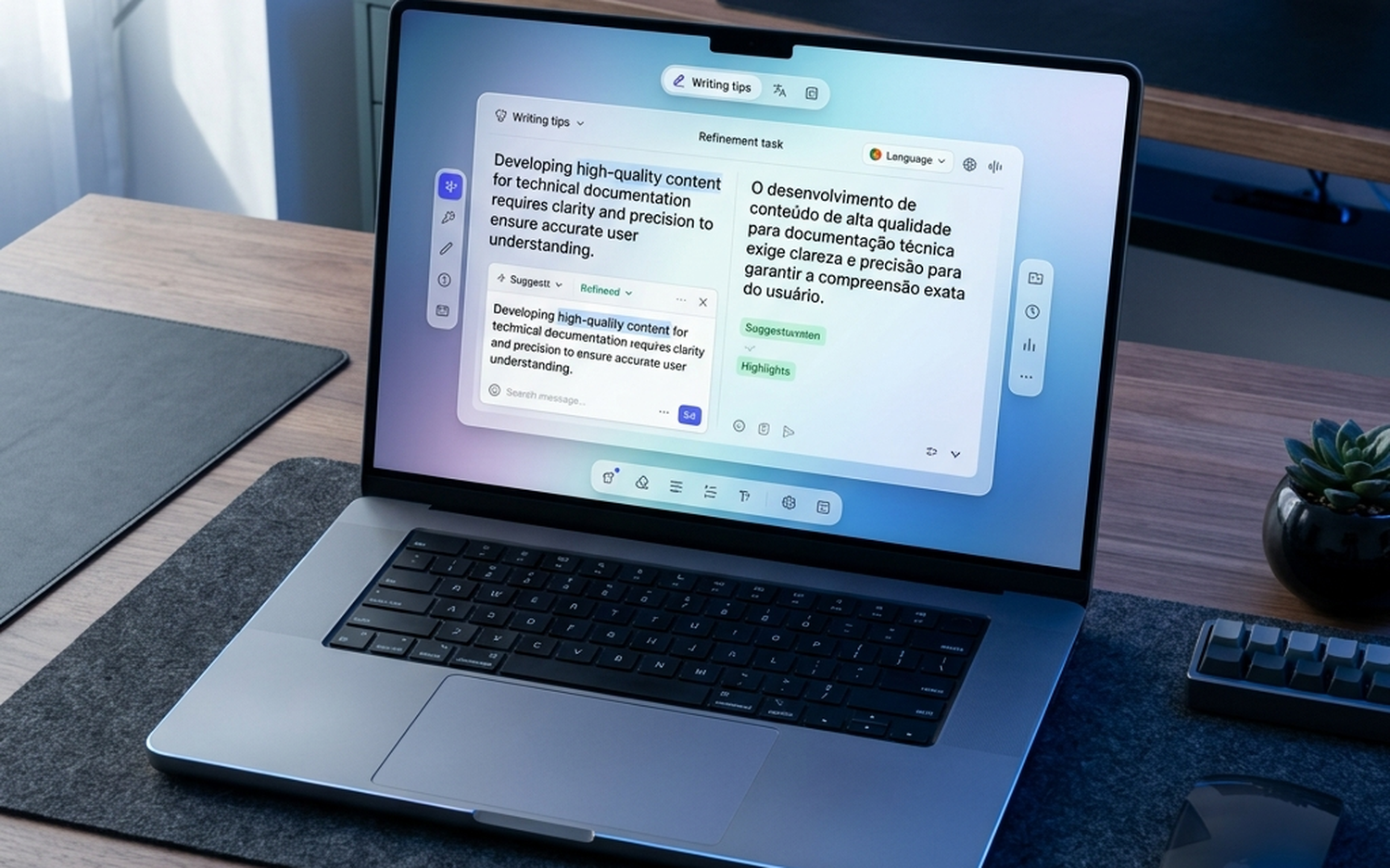
Writing Tools appeared across the system: in Notes, Mail, Messages, and compatible third-party apps. Highlight any block of text, tap the overlay, and you get options to rewrite, proofread, summarize, or adjust tone.
Chinese language handling is surprisingly competent. Summarization is fast – a 2,000-character article compressed to three bullet points in roughly four seconds. The “Professional” tone setting strips informal slang and restructures sentences logically.
The limitation: it optimizes for clarity, not character. Personal or creative writing loses its original voice. The output is factually accurate but tonally flat.
Notification Summaries: Practical “Digital Decluttering”
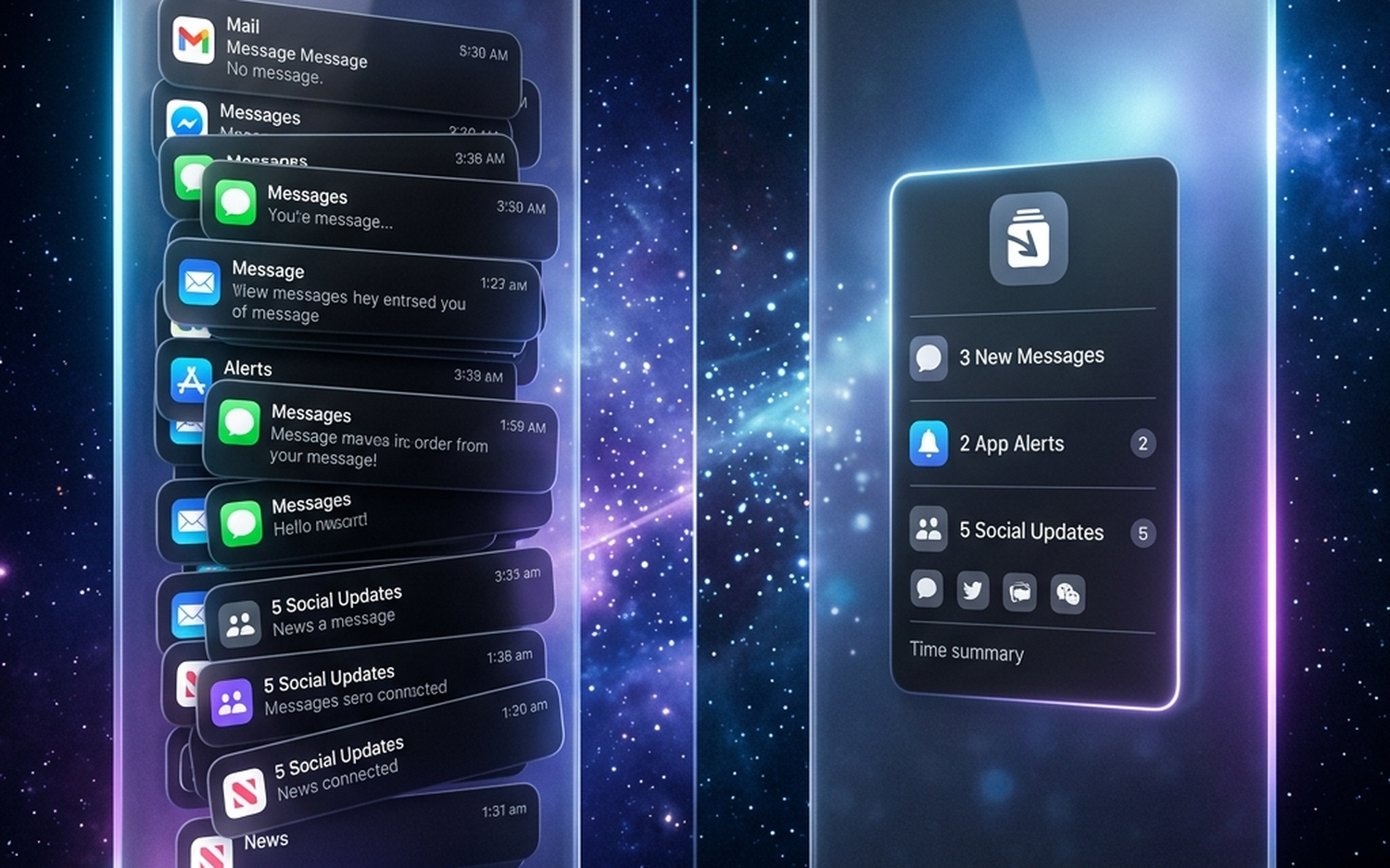
This is arguably the most immediately useful addition for heavy smartphone users. Rather than showing 47 individual messages from a group chat, iOS 26.4 displays a single-sentence brief.
Accuracy holds up for structured content: work emails, news alerts, calendar reminders. With informal Chinese chat – internet slang, emoji-heavy exchanges, dialectal expressions – the summaries often miss nuance. A heated argument might be compressed to “Users are discussing a topic,” which is technically correct and practically useless.
It reduces information overload. It does not replace reading.
Clean Up (Photo Eraser): Best-in-Class for Simple Tasks
The Clean Up tool in Photos is Apple’s on-device object removal feature. Circle or tap an unwanted element, and the AI fills the void using surrounding context.
Results on simple targets are excellent. Removing a stray bin or power line against a clear sky produces clean, natural-looking output. Edge detection is precise.
Complex scenes are more problematic. Remove a person standing in front of a brick wall and the AI often produces smearing artifacts or mismatched textures. The processing also generates noticeable heat on the device – the A17 Pro and M-series chips are genuinely being pushed during generation.
For casual photo cleanup, this is genuinely useful. For professional retouching, the limitations are apparent quickly.
Image Garden: Gimmick or Useful?
Image Garden is a standalone app for on-device text-to-image generation. You type a prompt, wait three to five seconds, and receive a stylized illustration.
The quality ceiling is modest. Images have a specific “Apple AI” aesthetic: clean, simplified, safe. Photorealism is off the table entirely. Detailed scenes or complex compositions tend to produce muddy results.
The on-device constraint is a double-edged proposition. No subscription, no data upload – but the generation quality cannot match cloud-based competitors. Genmoji (the emoji creation feature from global markets) was absent in the China build.
New Siri: Better UX, Modest Intelligence Gains
Siri’s visual redesign is the most immediately noticeable change. The old floating orb at the bottom of the screen is replaced by a glowing light band wrapping around the screen edge. The interaction rhythm feels more fluid, and Siri handles self-corrections better (“Set alarm for 7… no, 8 AM” works correctly).
On-device task performance improved. Commands involving photos, contacts, and system settings execute reliably.
What remains absent: the ChatGPT passthrough visible in global builds. Siri in China routes to its own knowledge base and web search, which is noticeably less capable for open-ended queries or multi-step reasoning. Without a large language model backing it, Siri still struggles with anything beyond straightforward commands.
Apple Intelligence vs Competitors – How Does It Compare?
The competitive landscape matters here. Chinese users have capable alternatives already installed.
| Feature | Apple Intelligence | Samsung Galaxy AI | Google Gemini | Baidu Ernie/Doubao | Source / Confidence |
|---|---|---|---|---|---|
| Processing | On-device + Private Cloud Compute | Hybrid (on-device + Baidu cloud in China) | Primarily cloud | Cloud-based | High – Architecture documentation |
| China Availability | Not officially available (March 2026) | Fully available via Baidu partnership | Not available in China | Native, full access | High – Regulatory filings, March 2026 |
| ChatGPT/LLM Integration | Global only; absent in China build | Gemini (global); Baidu (China) | Native Gemini | Ernie Bot native | High – First-hand testing, ifanr March 2026 |
| Writing Tools | Competent; clean Chinese output | Practical; strong translation features | Highly capable; creative | Strong Chinese language depth | Medium – First-hand + published benchmarks |
| Image Generation | Stylized; on-device; modest quality | Cloud-based; more realistic | Very high quality; Imagen 3 | Variable; Stable Diffusion variants | Medium – Published comparisons 2026 |
| Privacy Model | Strong – Private Cloud Compute architecture | Hybrid; some cloud reliance | Cloud-first; data used for personalization | Cloud-dependent; Chinese data law applies | High – Apple security whitepaper 2025 |
| Device Minimum | iPhone 15 Pro (~$999) | Galaxy S25 (from $799) | Pixel 9 / Any Android | Any Android or iOS via app | High – Manufacturer specs |
Comparison verdict: Apple leads on privacy and system integration. Samsung Galaxy AI leads on China availability and practical utility today. Google Gemini leads on raw generative capability. For Chinese-language tasks, Baidu Ernie and Doubao remain the most capable options until Apple secures regulatory approval.
Why Has Apple Intelligence Taken So Long to Come to China?
The 21-month delay is not a technical problem. It is a regulatory one.
China’s Cyberspace Administration (CAC), under the Interim Measures for the Management of Generative Artificial Intelligence Services (effective August 2023), requires all generative AI services to apply for and receive approval before public deployment. Foreign companies must additionally demonstrate compliance with Chinese data sovereignty laws and often partner with a domestic, CAC-approved provider.
Samsung moved faster by partnering with Baidu, giving Galaxy AI a route to market that Apple has not yet secured. Apple has reportedly been in discussions with Alibaba to fill a similar role, though no official agreement has been announced as of March 2026.
The brief iOS 26.4 rollout revealed another complication: the international build of Apple Intelligence used Google’s Visual Intelligence backend for certain features – a service blocked in China. Any final China version will require a replacement for those components.
According to Bloomberg’s Mark Gurman, the March 30 rollout was not authorized: “Apple Intelligence’s brief appearance in China was the result of a software error, not an official launch.” No regulatory clearance had been granted.
Privacy and On-Device Processing – Apple’s Genuine Edge
Despite modest feature performance, Apple’s architecture represents a genuinely different approach from cloud-dependent competitors.
Private Cloud Compute routes requests to dedicated, isolated Apple servers that run a specialized operating system and hardware – purpose-built to prevent data retention or third-party access. Even when your request leaves your device, Apple’s design ensures neither Apple nor any external party can read or store it. This architecture is documented in a published security whitepaper (2025).
For users in China, this matters in a different way. Domestic AI providers like Doubao and Ernie Bot operate on Chinese cloud infrastructure, subject to local data laws. Apple’s on-device processing model may actually become an advantage in final compliance discussions, since it minimizes data flows that would otherwise require extensive regulatory review.
Privacy-first AI is a real competitive differentiator. It just does not make Siri dramatically smarter today.
Who Should (and Shouldn’t) Use Apple Intelligence Right Now?
Use it if:
– You are on an iPhone 15 Pro or newer (global model), iPad M1+, or Mac M1+.
– You value data privacy and on-device processing over raw AI power.
– You handle significant email volume or long-form documents and want writing assistance.
– You want to reduce notification overload from busy group chats.
Skip it (for now) if:
– You have a China-sold device (CH/A model number). The features are not officially available.
– You want a capable AI chatbot with deep language understanding. Try Doubao, Kimi, or a web-based Gemini access instead.
– You are on iPhone 15 standard, iPhone 14, or any older hardware.
– You need high-quality AI image generation. Current on-device output is limited.
– You are expecting performance comparable to Samsung Galaxy AI’s China build. Samsung currently has a more complete local offering.
Final Verdict – Apple Intelligence Review 2026
Apple Intelligence is a composed, privacy-respecting suite of productivity tools. It is not a transformative AI experience – not yet, and certainly not in China.
The Writing Tools and notification summaries add genuine value for users who live in productivity apps and busy group chats. Clean Up works well within its limits. The new Siri design is smoother. But the absence of a cloud-side LLM in the China build leaves a significant gap in intelligence that local competitors already fill.
The accidental March 2026 rollout confirmed that Apple’s engineering team is technically ready. The software exists. The hardware requirements are locked in. What Apple is waiting for is regulatory clearance and, likely, a finalized partnership with a Chinese AI provider to handle the cloud-side workload.
Rating: 3.2 / 5 – Polished hardware integration, strong privacy architecture, mediocre real-world capability for Chinese users compared to available alternatives. Worth watching for the official launch.
- ✓ On-device processing via Private Cloud Compute protects user privacy
- ✓ Writing Tools and Notification Summaries are genuinely useful for productivity
- ✓ Clean Up photo eraser handles simple object removal accurately
- ✓ Smooth Siri visual redesign with more fluid interaction timing
- ✓ No subscription fee for on-device generative features
- ✕ Not officially available in China – requires regulatory CAC approval
- ✕ China-sold devices (CH/A model) are hardware region-locked, no workaround
- ✕ ChatGPT passthrough completely absent from China build
- ✕ Image Garden quality is modest compared to cloud-based competitors
- ✕ Feature set lags behind Samsung Galaxy AI (Baidu-backed) in China availability